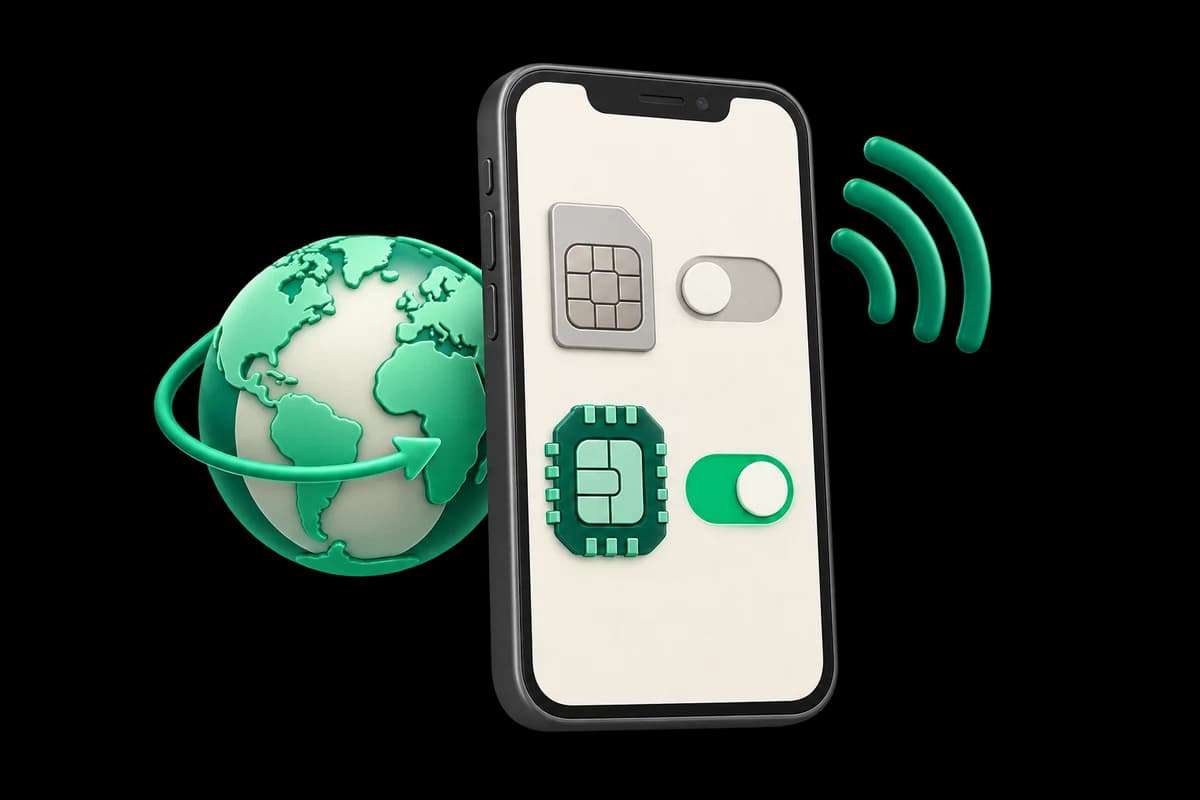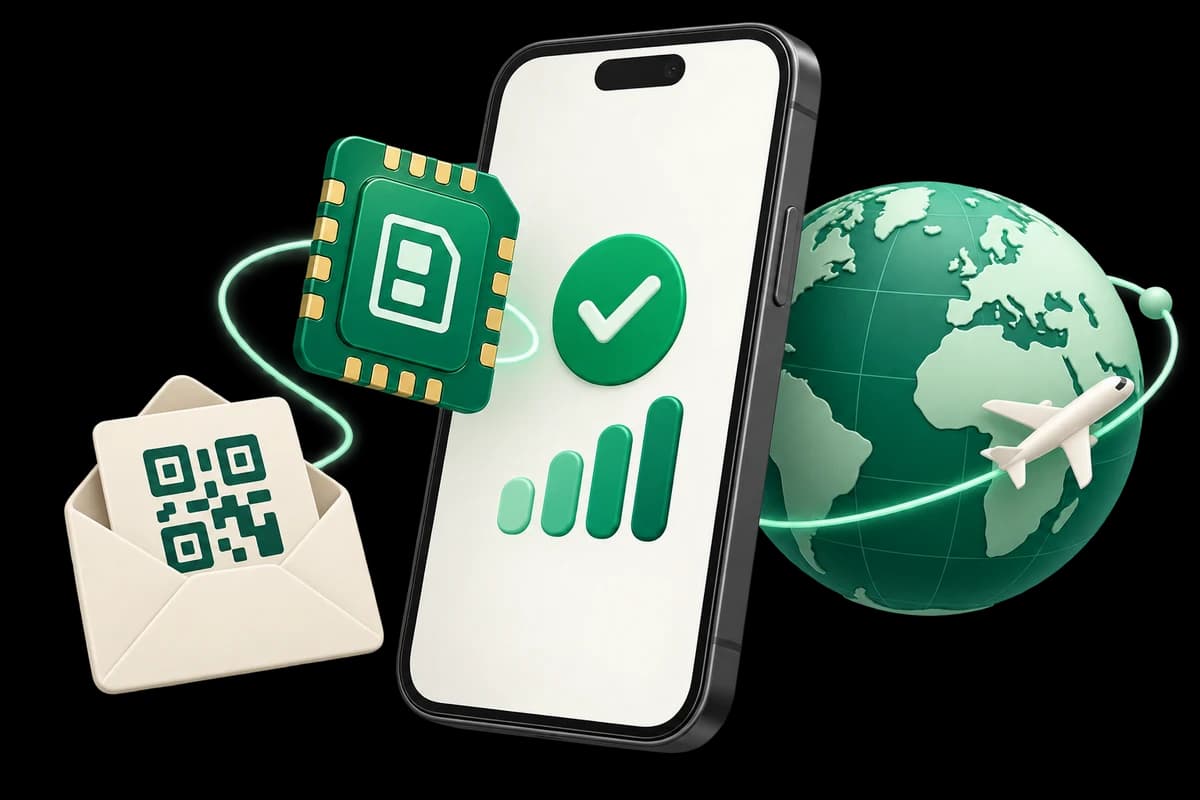
Do not assume a Singapore eSIM will keep providing data when you cross into Malaysia. The SG_1_7 and SG_5_30 examples in our catalog list Singapore alone in their countries and networks. For a trip covering both countries, check that the exact product explicitly lists Singapore and Malaysia; otherwise prepare a separate connection for the next part of your route. A commercial name such as “Asia,” or the proximity of the border, does not replace that check.
Your route matters more than Singapore's size
Singapore is a city state in Southeast Asia and a common starting point for onward travel in the region. The Wikivoyage source brings together shopping districts, cultural neighborhoods, green spaces and small islands within a compact territory. That urban continuity can make the next destination feel like another part of the same journey. Continuity in your itinerary, however, does not establish continuity in your data contract.
The useful question before buying is where you will need internet. If you remain in Singapore, a product listing SG addresses that territory. If you also stay in Malaysia, check a second coverage area. If you take a side trip and return, prepare both legs and keep the Singapore plan instructions for your return. A phone with two installed profiles does not decide which package is authorized to operate in each country.
This article uses travel context translated and adapted from a specific Wikivoyage revision retrieved through the dataset credited below. Operational examples come from catalog information checked on 8 October 2026. These are different sources: the destination text helps organize a route, while the catalog describes products. An urban or historical description does not establish mobile reception in a station, boat or building.
Read the country list before leaving
Start with the countries listed for the exact package. Singapore and the code SG should appear for the first stay. For the second, look for Malaysia or MY in that same product information. Then inspect the networks assigned to each territory. An operator name describes a contractual network option; it does not turn every antenna operated by that company into guaranteed service for your phone.
SG_1_7 and SG_5_30 list M1 and SingTel, both labeled 4G. Malaysia does not appear in that selection. We therefore do not present these products as a solution for both countries. Nor do we infer that the phone could never display signal beyond the border: signal bars, an operator name or an installed profile do not prove that an authorized data session exists.
If you compare a regional alternative, read its complete country list when buying. A continent illustration, decorative map or store category is insufficient. Save the product information and order instructions. Those documents help distinguish a country absent from the contract from a configuration issue or a connection fault. Browse the available plans without assuming that every regional product has the same scope.
Organize Singapore by area to prepare your data use
The source places a large shopping concentration on Orchard Road, skyscrapers around the Singapore River and further shopping areas in Bugis and Marina Bay. Group visits by area and keep each place's complete name. A broad search for “city center” may be of little use when a booking, a station and a pedestrian entrance are at different points within the same district.
Chinatown, Little India and Geylang Serai reflect different cultural parts of the city. The source also connects the East Coast with Eurasian and Peranakan heritage. This diversity matters when preparing addresses: save the accommodation's original name, its neighborhood and a recognizable nearby reference. This is an editorial preparation suggestion, not a claim about the measured data consumption of a particular application.
For urban walks, the corpus suggests following the river through Boat Quay and Clarke Quay, exploring Marina Bay or walking through Chinatown, Little India, Bugis and Orchard. Save a route before leaving your accommodation and update it when connected. Downloading a resource does not necessarily include live information. Check what the tool you use actually offers, and distinguish a saved map from navigation that remains connected throughout.
If a visit ends somewhere different from your original plan, keep the return address as well. A short list of named references is more useful than screenshots without context. On the day you move to Malaysia, separate the first accommodation's documents from those for the second. That avoids searching through old messages while also trying to determine which data line is selected.
The source describes English as widely used alongside Mandarin Chinese, Malay and Tamil, and notes that local Singlish can differ from standard English. For practical orientation, preserve the address supplied by your host rather than replacing it with a shortened nickname or a machine translation. The language used on a booking is another reason to keep the original document. Having internet to search a place does not guarantee that a partial name identifies the correct entrance, and having a data profile does not provide a local telephone number to call someone when the meeting point is unclear.
MRT, LRT and buses: useful connectivity, separate tickets
Wikivoyage describes MRT and LRT as the backbone of Singapore's public transport and notes that the system reaches many visitor destinations. An eSIM can help you consult journeys, but it does not include a ticket or transport card. Save the departure and arrival station names. If a search shows several entrances, check which one serves your exact destination before leaving the station.
Buses add connections and can bring visitors closer to places away from railway stations. The source explains that their routes may be harder to interpret for a newcomer. Instead of using data to improvise every transfer, note the journey you have checked and where you want to get off. Consult current sources for timetables, frequencies and fares; we do not reproduce them as present promises from the dataset.
The source identifies boat connections to Pulau Ubin from Changi Point and to some southern islands from Marina South Pier. These references help distinguish an island excursion from an urban journey. An island being part of Singapore does not guarantee reception during the crossing. Save the booking, boarding point and return instructions. A terrestrial mobile package does not automatically include maritime or satellite networks.
The tropical setting and underground pedestrian passages also affect orientation. The corpus describes walkways and entrances linking stations, shopping centers and buildings. Add the entrance or meeting point supplied by your host to a saved address. A phone can show your location without identifying the right door inside a complex. Destination preparation and internet availability address different problems.
Two Singapore packages and their actual features
SG_1_7, Singapore 1GB 7Days, contains 1 GB with a validity of 7 days. The checked product uses activeType 2: its period starts at the first eligible connection to a destination network. The stated installation window is 180 days. It lists M1 and SingTel with 4G labels and permits hotspot use.
SG_5_30, Singapore 5GB 30Days, contains 5 GB with a validity of 30 days. It also uses activeType 2, an installation window of 180 days, M1 and SingTel labeled 4G, and permitted hotspot use. The 5 GB is the package's total allowance, not a fresh allocation every day. Thirty days does not mean an exhausted allowance automatically renews.
Neither example includes traditional calls or SMS. The general technology field says 3G/4G/5G, but it does not guarantee 5G where you are or a minimum speed. The specific operator entries above are labeled 4G. The provider reports HK in the IP routing field. That label does not prove a particular address for every session or extend the package to Hong Kong or Malaysia.
The selection also contains SG_0.1_7, Singapore 100MB 7Days, with activeType 1: its period starts on installation. Do not turn “I can install before travel” into a rule for every Singapore eSIM. If you choose another product, check its own mechanism. An apparently small difference in allowance can come with a different start event.
Prepare the phone for a country change
First check that the device supports eSIM and is unlocked by its carrier. Install with dependable internet using the order's QR code or manual details. Keep the instructions privately. Do not publish the QR code or send it to someone to test installation on another phone.
Give the lines clear names, such as “home,” “Singapore” and, where applicable, “Malaysia.” This is an organization suggestion: menus and the number of profiles that can be active depend on the model. Before changing countries, identify which line should provide data afterward. Keep the next accommodation's address and necessary documents available without requiring a new download at that moment.
In a covered destination, select the travel line for cellular data and enable roaming on that line as instructed. Disable data roaming on the home line and automatic data switching if the device offers it. This helps control which line uses internet, but it does not promise that calls, messages or other services from the home carrier will be free of charges.
For activeType 2 products, the first eligible connection is the relevant event, not merely buying the product or saving the QR code. If your product is activeType 1, installation can start its period before the flight. Read the order before testing. Consult Apple's eSIM instructions, Google's Pixel instructions and the eSIMStore FAQ for device guidance.
What to check when internet disappears after crossing
The first diagnosis concerns the contract: does Malaysia actually appear in the package you are using? If not, changing the APN or restarting the phone does not add a country. Arrange a connection for your new destination. If the product does list Malaysia, then check that you selected the correct profile and that data and validity remain.
Inspect the travel line's roaming setting and the APN specified for that order. Do not copy an APN from a blog because another traveler used an eSIM with a similar name. Gather the product name, current country, relevant settings and error message for support. Hide codes, QR details and personal information in screenshots you send.
Do not delete the profile as your first attempt. This guide does not guarantee reinstalling, transferring or automatically recovering it. If signal bars appear but a simple page does not load, do not immediately blame the allowance. Line selection, package state, network registration and configuration may require different checks.
When arranging the next leg, retain your original order reference as well as any new order. Similar package names do not establish that the profiles have identical settings. Naming lines clearly and keeping their documents together helps explain which connection failed and where. This recommendation does not imply that two orders can be merged or that support can transfer their allowances.
Limits worth understanding
Neither Singapore's compact size nor an operator list promises reception inside every building or during every journey. Permitted hotspot use shares the same allowance with connected devices; it does not create another allocation. A computer may have downloads or synchronization waiting, so review those tasks before connecting it to the phone.
The fair use field for the two examples is empty. This means the snapshot publishes no policy in that field, not unlimited data or guaranteed unthrottled service. Provider metadata about extensions also does not establish a confirmed customer top-up flow at eSIMStore. Plan around the purchased allowance and check current options if another purchase becomes necessary.
Questions for a Singapore–Malaysia route
Can the same QR cover both countries?
Only if the associated package explicitly covers both. A QR installs a profile; its appearance does not reveal the contracted territory. The checked evidence for SG_1_7 and SG_5_30 covers Singapore, so we do not present them as Malaysia products. The order's country list is more useful than an assumption based on branding.
Must I delete the Singapore eSIM before installing another?
Do not delete a line as a routine step. Check your device's capabilities and each order's instructions, keep profile names clear and select the appropriate line for data. This answer does not promise that every phone supports the same number of active profiles or that a deleted profile can be recovered.
Can I keep using my usual messaging account?
An already configured application may use a data connection for functions it provides. That does not grant a Singapore or Malaysia number, add SMS to these examples or guarantee third-party verification. Prepare account access before traveling without assuming that a new data line will receive telephone codes.
Which guide helps with the next stage?
The Malaysia and Borneo guide explains how to separate the contracted territory from physical reception across regions. If continuing elsewhere in Southeast Asia, the Thailand guide helps check each product's validity start. Compare current product information: one country's instructions do not replace the next order's contract.
Sources, credits and scope of adaptation
Singapore context is a translated and selected adaptation of contributions by the authors of Wikivoyage: Singapore, revision 5269928. See the page history and authorship. The selection came from vincentss/enwikivoyage-retrieval-202605, pinned to 509ec2fe1ed76f90d28fd0eebf7a70f108ae5b1b and curated by vincentss.
eSIMStore reorganized and translated the context, omitted prices and schedules, and added recommendations and catalog facts checked on 8 October 2026. Travel context is a pinned documentary snapshot, not a guarantee of future conditions. This textual adaptation is licensed under CC BY-SA 4.0; brand graphics and elements are excluded.
Operational references also include eSIM Access on activation methods, data roaming and hotspot, SMS and voice. The exact conditions of your order take precedence over an example in this guide.